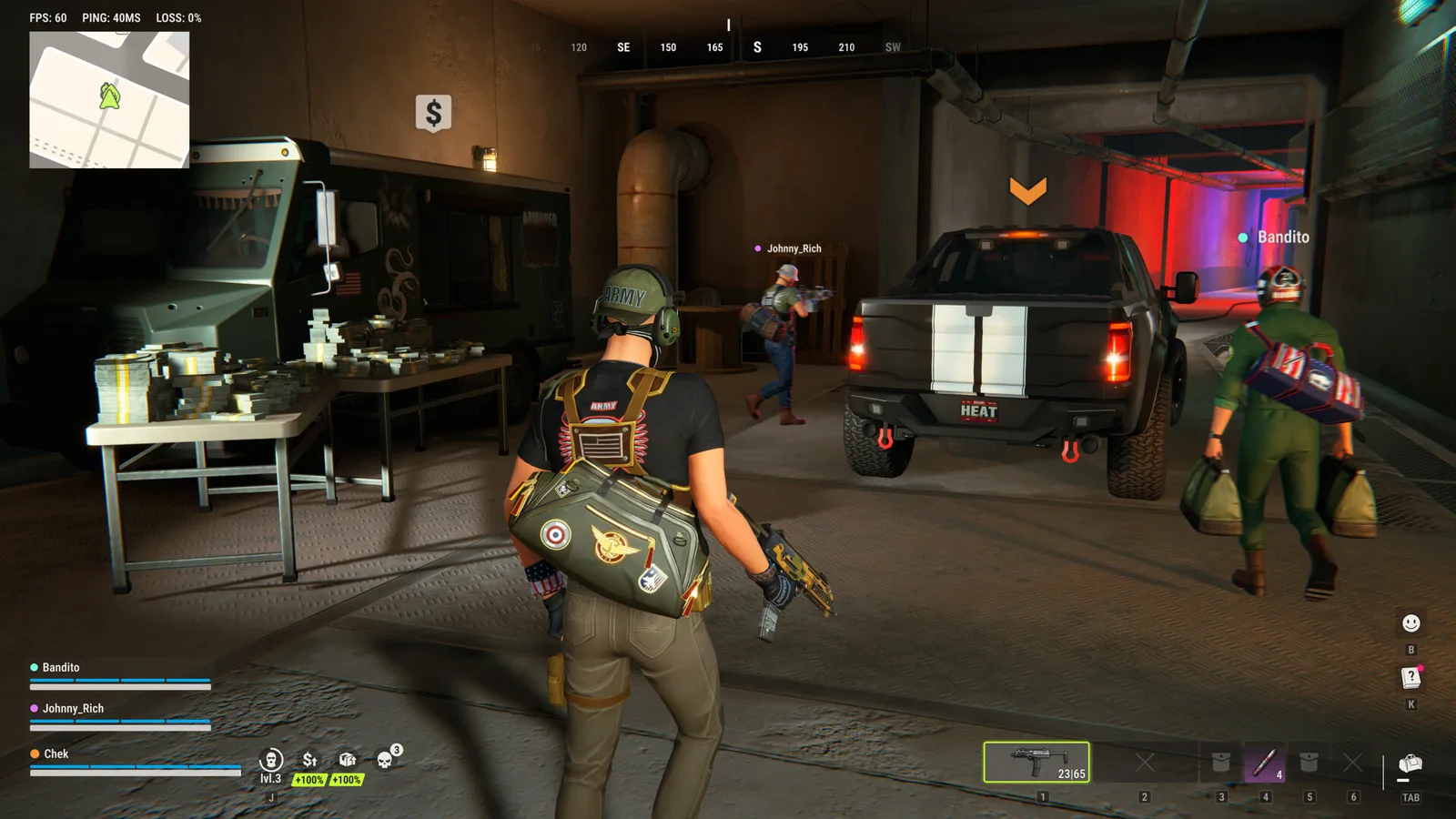
For ROB RUN startup or freezing problems, begin with the developer’s basic checks: connection, restarting the game and Steam, graphics-driver updates and Steam’s file-integrity check. If the game displays an error code, use that code to identify the relevant problem family before changing unrelated settings.
The steps below organize official support advice. They are not a claim that every crash or performance problem has one universal fix.
Run the basic checks first
Confirm ordinary websites load on the same connection. Restart both Steam and the game, check for updates, and make sure your graphics driver is current. In Steam, open the game’s Properties → Installed Files → Verify integrity of game files.
Test after a change so you know whether the symptom actually improved. Our recommended approach is to record the exact message before attempting fixes, rather than making many unrelated changes and losing track of what happened.
Match the code to the problem family
| Code | Official problem description | Starting action |
|---|---|---|
| E-0101 / E-0110 | Startup configuration cannot download. | Check connectivity. |
| E-0102 | Downloaded data was blocked or corrupted. | Check network filtering or a captive portal. |
| E-0124 | Asset-loading error. | Verify Steam files. |
| E-0201 | An established server connection was lost. | Check connection and restart. |
| E-0301 / E-0302 | Client is outdated. | Restart Steam and update. |
| E-0303 / E-0304 | Data is corrupt or mismatched. | Allow update propagation; verify and update. |
| E-0401 | Steam authentication failed. | Check online mode and account. |
| E-0403 / E-0404 | Epic Online Services authorization issue. | Start with file verification. |
| E-0405 | Steam or a required library is blocked. | Review quarantine and launch through Steam. |
| E-0501 / E-0502 | Easy Anti-Cheat cannot run correctly. | Use Steam launch and verify files. |
| E-0601 | Keyboard or mouse was not detected. | Check direct input-device access. |
| E-0904 | Unexpected internal game error. | Restart; retain error text if it repeats. |
Source: the developer’s full error-code instructions.
Check the official PC requirements
Both listed configurations require 64-bit Windows 10 or later, DirectX 11, an internet connection and 20 GB of free storage.
| Component | Minimum | Recommended |
|---|---|---|
| CPU | Intel i5-6600K / Ryzen 5 1600 | Intel i5-9600K / Ryzen 5 3600 |
| Memory | 12 GB | 16 GB |
| GPU | GTX 1050 Ti / RX 580 / Arc A380 | RTX 2070 / RX 5700 XT / Arc B570 |
These are the developer’s configurations, not a promised frame-rate target. Meeting a specification does not identify the cause of an individual disconnect, and a network error does not itself show that a GPU is too slow.
Source: official requirements.
Separate a reset from lost progress
If the issue is missing possessions rather than a startup failure, first check whether a Federal Raid occurred and whether you are using the intended Steam account. The wipe guide lists the documented reset and carry-over rules.
For an unexpected loss, retain the approximate time and relevant server information. Our advice is to collect evidence before attempting unrelated reinstalls or cleanup, since those actions do not establish whether the event was a scheduled reset.
Source: progress-loss support.
Send support useful information
Press Esc to find the UID beneath your character name on the right; the Copy UID button copies it. Include that identifier, your player name, the exact code or message, the approximate time and what you were doing when the problem occurred.
Use the official ROB RUN support center for account-specific investigation. This fan guide cannot inspect account records or restore items. If you need developer announcements or the official Discord, use the links published in the official communities article.
Ready for your next run?
Keep the official help center handy when a patch changes the rules.
Open official support ↗