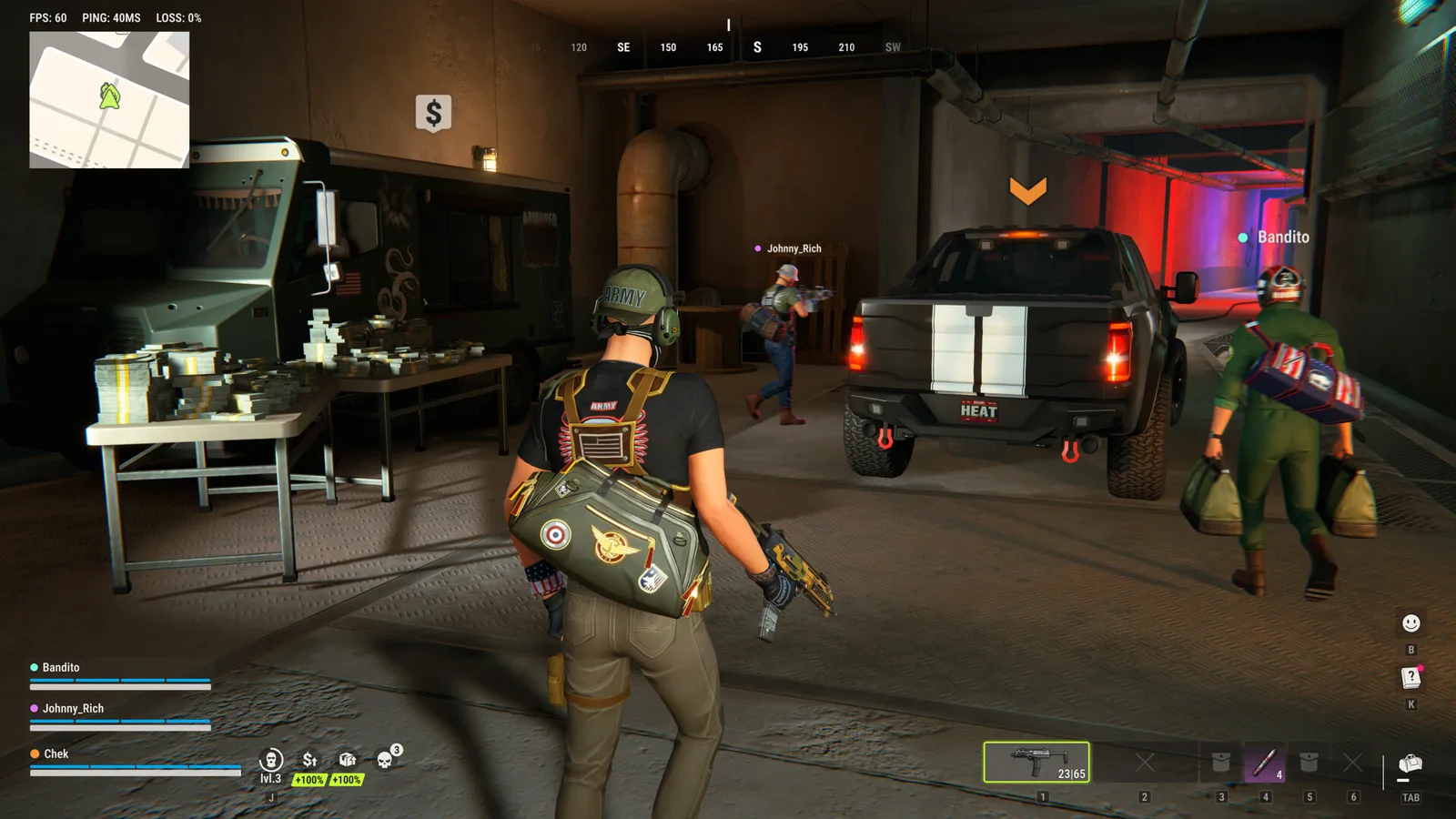
If ROB RUN runs smoothly while the mouse is still but loses frames when you move it, Kefir identifies an excessively high mouse polling rate as the cause of that specific pattern. Its first recommended action is to lower Polling Rate in the mouse manufacturer’s configuration app.
This is a targeted fix for movement-triggered stutter. It is not a measured performance preset for every PC or a claim that all low frame rates have the same cause.
Confirm the symptom before changing settings
Compare the same scene while the mouse is stationary and while moving it. Our recommended test is to keep the location and other settings unchanged, so the comparison answers one question: does mouse movement trigger the drop?
If performance is already poor while stationary, start with the general troubleshooting and requirements guide. A disconnect or authentication message also belongs to a different diagnostic path. Record the original symptom so you can tell whether a later change addresses it.
Lower Polling Rate in the mouse app
Open the configuration software for your mouse, such as the Logitech, Razer or Bloody application mentioned by the developer. Find Polling Rate and lower it. The official article does not prescribe one frequency for every mouse, so this guide does not invent a universal Hz target.
Before changing the setting, note its original value. Apply a lower available option and repeat the same movement test. That comparison is our troubleshooting recommendation, rather than an additional game requirement. A visible improvement is more useful evidence than changing several graphics settings at the same time.
Source: mouse-triggered FPS drops.
If stuttering continues
The same official article next points to current graphics drivers, third-party overlays, and BIOS updates, especially on 13th- or 14th-generation Intel systems. Treat these as separate follow-up checks, rather than performing every change before testing again.
For overlays, note which ones are active and compare with them disabled; Kefir names Discord and GeForce Experience as examples. For graphics drivers, use the hardware vendor’s supported update route. For BIOS work, follow the exact motherboard or PC manufacturer instructions and confirm model compatibility. This page does not supply a generic firmware file or a flashing procedure.
Keep a small comparison log
Use a short record when testing:
| Observation | What to record |
|---|---|
| Original symptom | Smooth when stationary, or slow at all times? |
| Mouse setting | Original and tested polling options |
| Result | Whether movement still causes the same drop |
| Follow-up | Driver or overlay change tested separately |
You do not need a claimed benchmark score to make this useful. The purpose is to preserve a reproducible description for yourself or support, not to promise a particular frame-rate gain. Stop changing unrelated settings once the original symptom is resolved.
When to contact support
If the pattern persists, provide the mouse model, tested polling options, PC specifications and a short recording showing movement versus stationary behavior. Include the game’s exact error text if one appears. Those details help distinguish this symptom from a crash or network interruption.
The developer’s crash article asks for PC specifications and a description of the problem. Its support instructions also accept screenshots or video. These reporting steps do not mean your case has been diagnosed remotely by this site.
Sources: crashes and official support.
Ready for your next run?
Keep the official help center handy when a patch changes the rules.
Open official support ↗