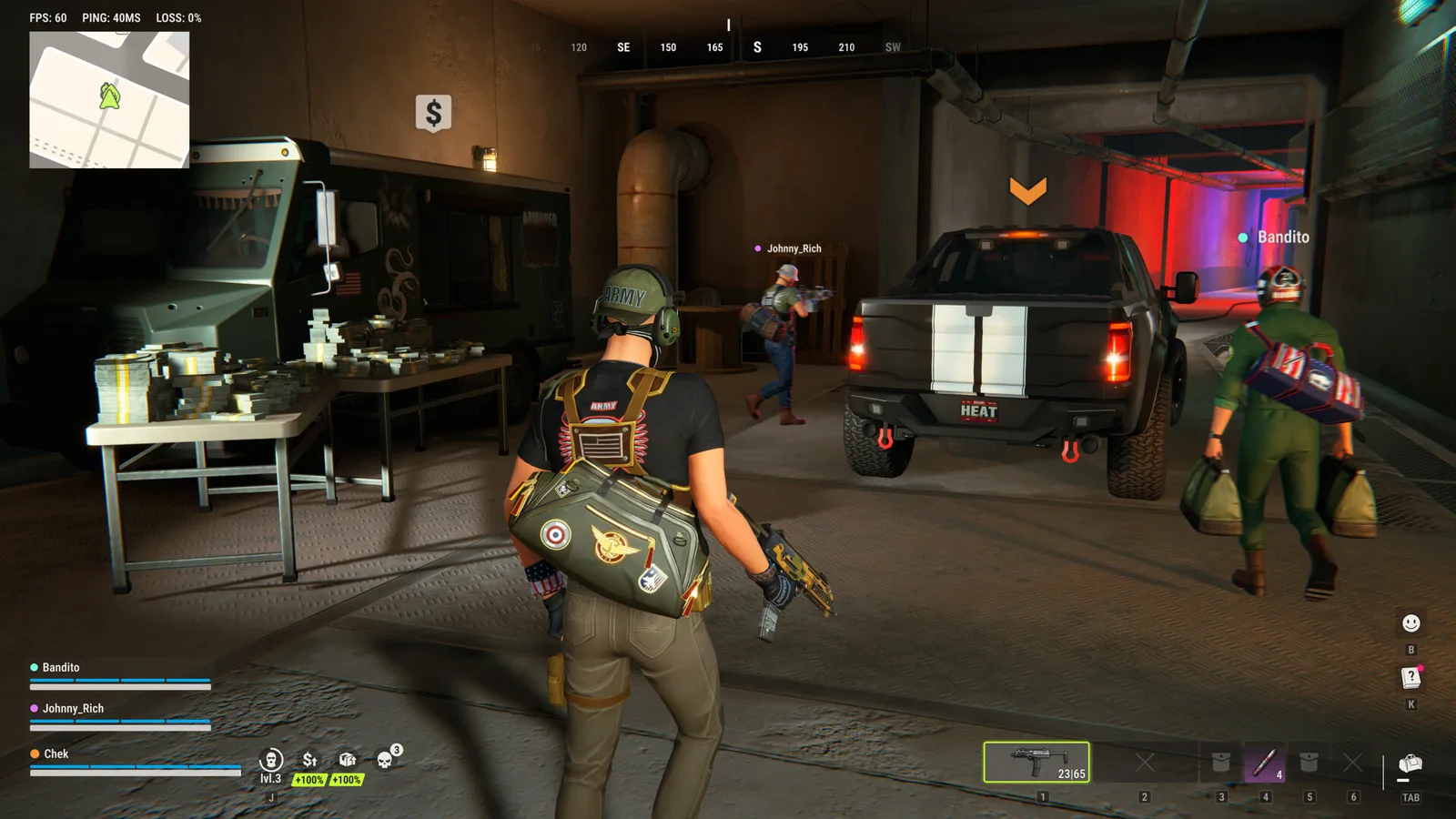
ROB RUN is listed as free to play on Steam, with in-app purchases. Kefir’s monetization help says B-Coins purchase cosmetics only and do not change statistics, balance or progression. Under those stated rules, buying a cosmetic is not a documented shortcut to stronger equipment or property access.
This guide explains the developer’s purchase rules as checked on November 5, 2026. It is not a review of every shop listing or a promise that a live service’s catalogue will never change.
Separate access to the game from optional purchases
The official Steam listing offers ROB RUN as Free To Play and marks In-App Purchases as a feature. Those two statements are compatible: the game can be available without an entry price while offering optional transactions inside it.
Check the live Steam page and the in-game product description before making a purchase. This page does not list regional prices, currency bundles, sale dates or a cheapest-purchase ranking. Those would require current offer-specific verification rather than inference from the free-to-play label.
What B-Coins are documented to buy
Kefir identifies cosmetic items as the use for B-Coins and explicitly excludes effects on stats, balance and game progression. Its developer FAQ likewise describes purchases as cosmetic with no gameplay advantage. These are the relevant official statements for the pay-to-win question.
A cosmetic changes presentation; it should not be treated as a documented source of extra weapon damage, faster laundering or a property-tier bypass. No such benefit is established by these sources. If a current product description appears to conflict, retain that description and ask official support about the specific offer instead of assuming an undocumented bonus.
Sources: purchase effects and developer FAQ.
Keep B-Coins separate from gameplay progression
The official guides describe earning money through gameplay and protecting proceeds through laundering. Founding a clan specifically requires laundered funds in your bank account. Item access can depend on base location or accumulated jail time. Those are different requirements from owning a cosmetic purchase.
Use the money guide, clan setup steps and item-unlock checklist for those goals. This page does not claim a B-Coin conversion into cash, documents, badges or unlock progress, because no such exchange is established by the cited rules.
If a cosmetic purchase does not arrive
The developer’s delivery instructions are to restart the game, inspect in-game mail, then contact support with the receipt if it is still missing. The missing-purchase guide covers finding the Steam receipt and UID for that report.
Do not assume the answer is to buy the same item again. No fixed delivery time or automatic compensation is promised here. Keep the transaction evidence and ask the developer to investigate the actual purchase rather than treating a delivery failure as proof that the progression rules are different.
What carries over at a wipe
The Federal Raid help lists cosmetics among retained progress, while plots, bases, weapons and cash reset. That is another reason to distinguish appearance purchases from possessions used during a server cycle. Read the wipe guide for the documented carry-over list.
The source does not enumerate every shop product or B-Coin balance case. This page therefore repeats the documented cosmetics rule without extending it into an unverified guarantee for every account field or future offer.
Source: Federal Raid carry-over.
Ready for your next run?
Keep the official help center handy when a patch changes the rules.
Open official support ↗