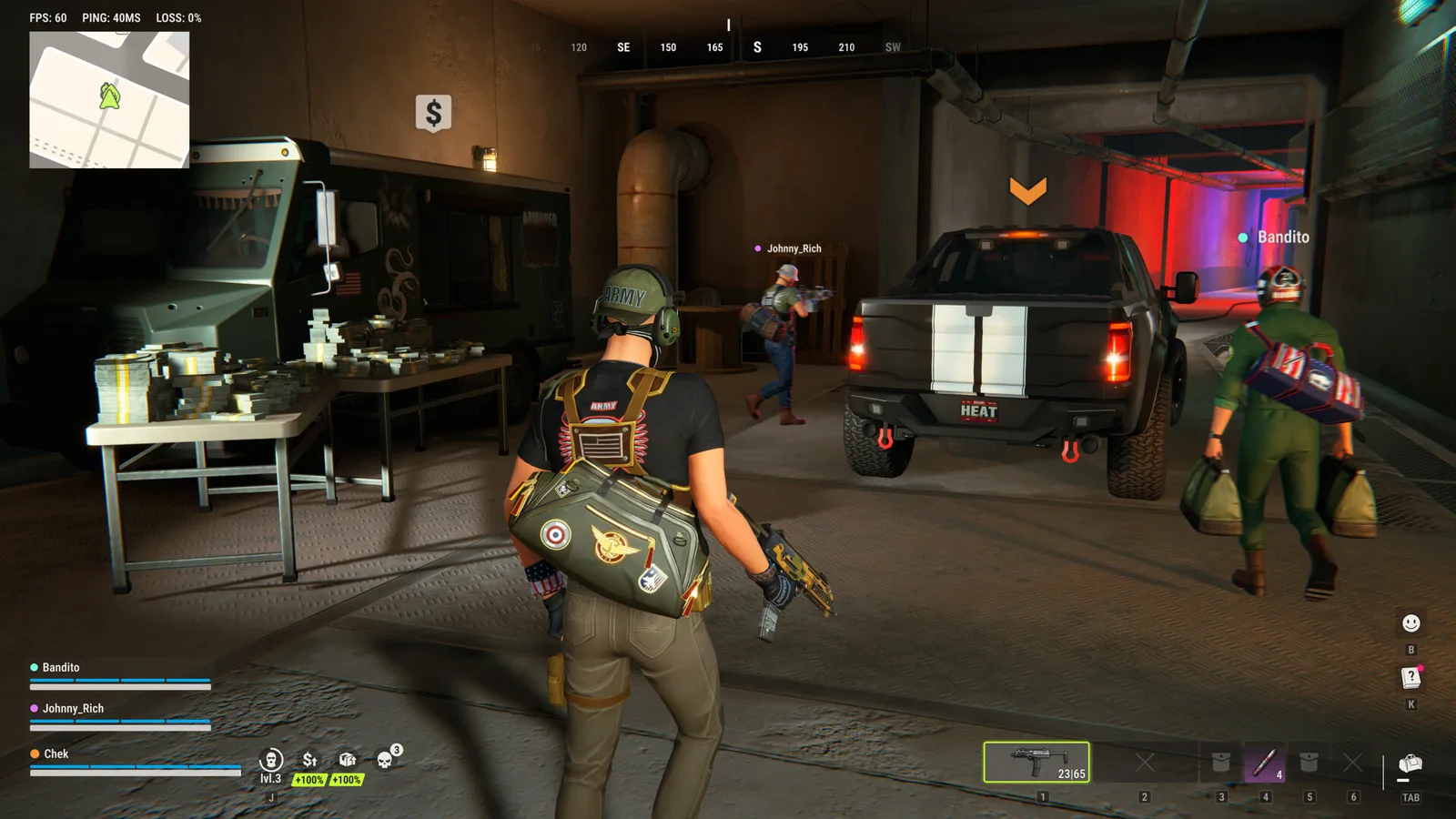
The official ROB RUN help center publishes https://discord.gg/robrun as the game’s Discord invitation. Discord’s own ROB RUN community page also identifies an official server. Use that publisher-backed route rather than assuming any server with the game’s name is operated by Kefir.
For an account, purchase or technical case, prepare the identifier and evidence requested by official support. This fan guide cannot inspect a player account or resolve a transaction on the developer’s behalf.
Open the official Discord invitation
Follow the invitation listed in Kefir’s contact and community article: join ROB RUN on Discord. The Discord game directory provides a second way to check the community identity.
If an invitation fails, return to the publisher’s current contact article and compare its destination. An expired or unavailable invite should not be “fixed” by substituting an unrelated fan server and calling it official. This page does not promise an invite lifetime or describe a ticket-channel layout that has not been verified.
Choose the channel for the job
| What you need | Documented route |
|---|---|
| Official community and discussion | Publisher-linked Discord invitation |
| Published game information | Official Steam store and developer news |
| A support case | Contact method in the official help center |
| A game-specific troubleshooting answer | Relevant official FAQ, with evidence for escalation |
The contact FAQ also lists the game’s official social accounts. Its published support email is [email protected]. Treat that as an address from the developer’s help page; no delivery or response-time test is claimed here.
For release information, use the Steam listing rather than assuming a community directory’s metadata is current. An official community identity does not make every field displayed by a directory the best source for launch details.
Find and copy your UID
Press Esc in ROB RUN. Kefir says the UID appears on the right beneath your character name, and Copy UID saves it to the clipboard. This gives support an identifier for the case without requiring a Steam password or verification code.
If a startup problem prevents you from reaching that screen, explain that limitation and include the error window instead. Do not invent an identifier or send another player’s UID. The error-code guide helps separate startup, account, anti-cheat and input failures.
Prepare evidence that matches the issue
For a bug report, Kefir asks what you were doing before the problem and a screenshot or video. For a crash, its instructions ask for PC specifications, a description and the error text. Unexpected progress loss calls for the UID, player name and approximate time after checking the Steam account and whether a wipe occurred.
For an undelivered purchase, the requested receipt matters; follow the purchase-delivery checklist rather than sending only a vague message that an item is missing. The wipe guide covers normal cycle resets separately.
Our recommended report format is: what happened, when and on which server, exact error text, relevant identifier, evidence, and steps already tried. That format organizes the developer’s requests; it does not guarantee a diagnosis or restoration.
Sources: bug reports, crashes and progress loss.
Discord access and game parties are different
Joining the community does not move your character to a friend’s game server. If an in-game party invitation says the friend is on another server, use the documented Prison server-switching steps and review the surrender confirmation before proceeding.
Keep account and payment evidence within the official support route rather than posting it in a public chat. No moderation decision, refund outcome or account recovery is promised by this guide.
Ready for your next run?
Keep the official help center handy when a patch changes the rules.
Open official support ↗