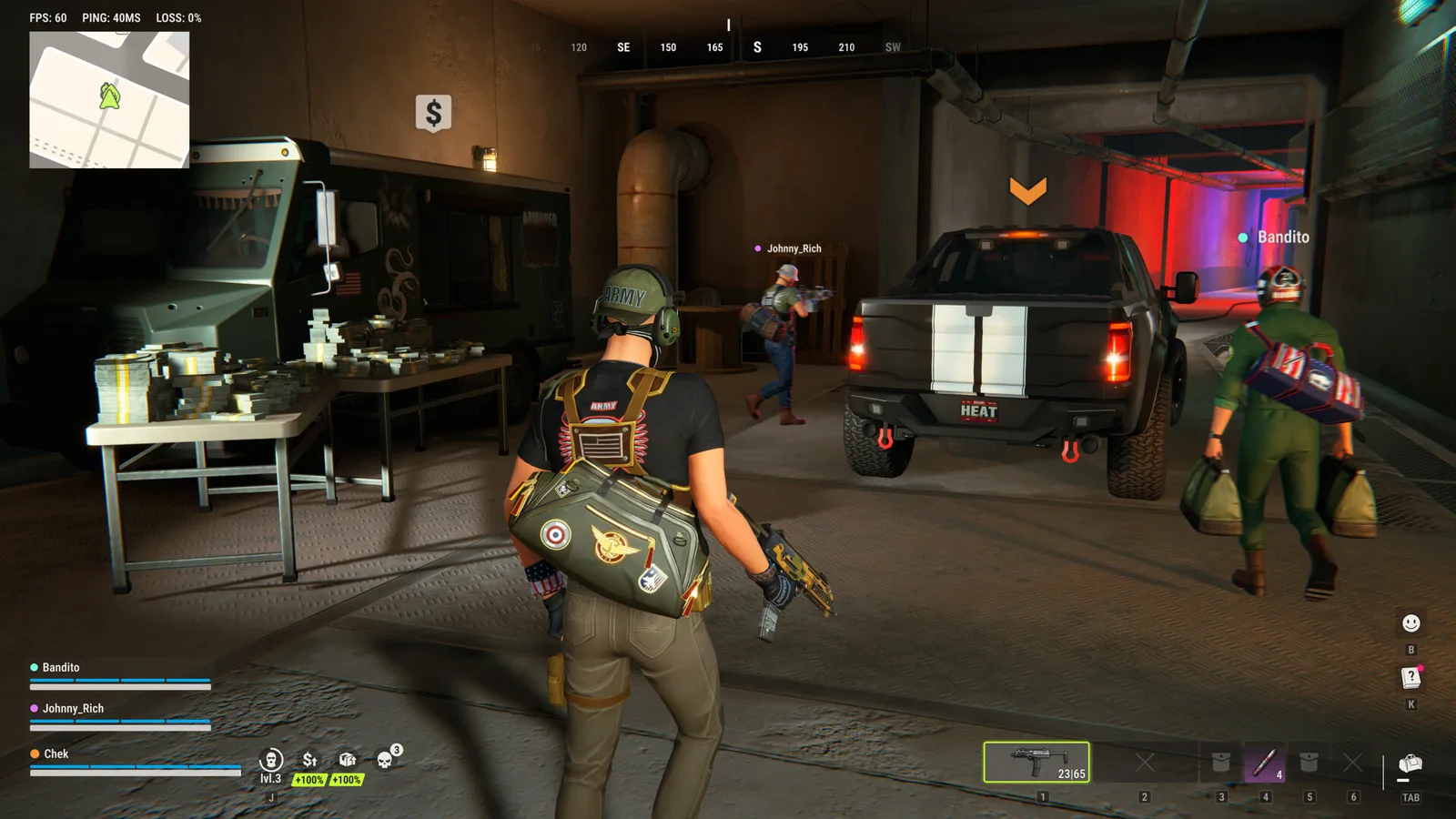
ROB RUN’s Steam listing currently provides a Windows build and describes online multiplayer play. The developer’s FAQ says launch servers are official servers. Check those published requirements before treating Steam Offline Mode, a console controller or an alternative operating system as a supported way into the same game.
The information below was checked on November 6, 2026. It covers the documented Steam release, not an independently tested compatibility list for every PC, handheld or console.
Which PC operating systems are listed?
Steam’s current platform data marks Windows as supported and does not list native macOS or Linux builds. The store and developer help specify 64-bit Windows 10 or later. The PC requirements and troubleshooting guide contains the CPU, memory, graphics and storage comparison.
That is a statement about the published build. It does not establish whether an individual compatibility-layer setup works, or whether a machine meeting minimum specifications will deliver a particular frame rate. If a launch fails on the documented Windows setup, use the actual error code rather than assuming the platform label diagnoses it.
Can you play offline or host a private server?
Steam labels the game for MMO, Online PvP and Online Co-op, and the developer describes the Early Access release as an online experience. The published requirements include an internet connection. No offline single-player mode is documented in those sources; this guide does not provide an offline bypass or promise a playable session through Steam Offline Mode.
For hosting, the developer FAQ says only official servers are available at launch. It does not document a dedicated-server download, self-hosting command or custom-server setup. For a party blocked by a different-server warning, use the official Prison switching route rather than looking for an undocumented private-server workaround.
Sources: Steam listing and developer server FAQ.
What about PS5, Xbox, Steam Deck and controllers?
The linked Windows listing does not establish a PS5 or Xbox release date or console-to-PC crossplay. A controller connected to a PC is also different from an official console version. This page makes no release or crossplay promise from the presence of online co-op alone.
Likewise, a Windows platform requirement is not a handheld compatibility test. We have not verified a Steam Deck or Proton configuration, and the current appdetails response does not supply a controller-support declaration. Do not turn that missing field into proof that a controller can never work. For E-0601 input detection, follow the physical keyboard and mouse checks.
Which languages are listed?
The current Steam language table lists these combinations:
| Language | Interface and subtitles | Full audio |
|---|---|---|
| English | Listed | Listed |
| Russian | Listed | Listed |
| French | Listed | Not listed |
| German | Listed | Not listed |
| Spanish — Spain | Listed | Not listed |
| Portuguese — Brazil | Listed | Not listed |
This describes the Steam listing, not a guide to an unverified language-switch button. Check the current game and store if your intended language is outside that table. No unofficial translation download is recommended here.
Does Steam Cloud protect a server cycle?
Steam lists Steam Cloud as a feature, but that label does not define every synchronized field or override the developer’s Federal Raid reset rules. Plots, bases, weapons and cash still belong to the documented wipe cycle. The wipe guide explains that distinction and the support route for unexpected progress loss.
No local save-file path, cross-platform transfer method or cloud-restoration guarantee is established by the cited sources. For an account-specific loss, retain the server, approximate time and UID for official support instead of assuming a feature badge proves that the lost possessions can be restored.
Ready for your next run?
Keep the official help center handy when a patch changes the rules.
Open official support ↗